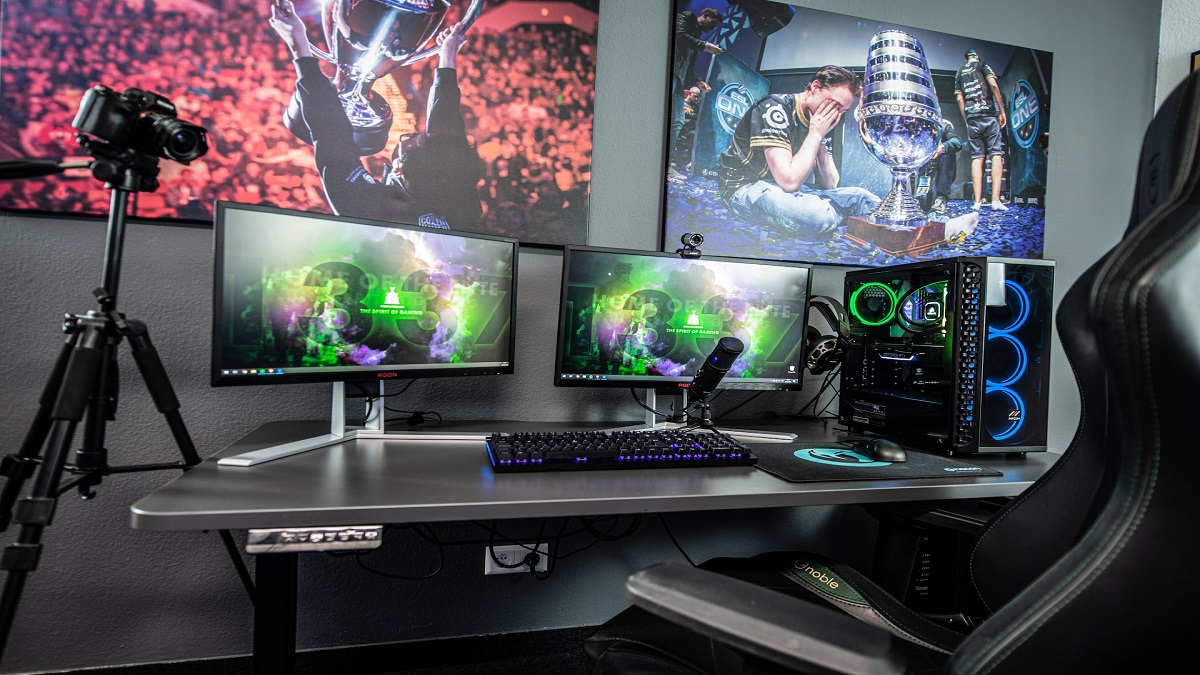
Starting with the main PC hardware you might need; it is essential to consider a few key How to Assemble a Gaming Computer components to ensure the best possible performance. Whether you are gaming, streaming, or multitasking, the right hardware will make a significant difference in your overall experience, our emphasis is not just on performance but also on achieving a smooth Gaming and streaming experience, ensuring streamers can focus solely on content creation without any hiccups.
Essential Components for a Gaming Streaming PC
A gaming streaming PC must be powerful, efficient, and optimized for multitasking. From the processing capabilities of the CPU to clean audio ensured by noise cancellation technologies, each element plays a pivotal role in creating an immersive and uninterrupted streaming experience.
Selecting the Right CPU for Game Streaming
The AMD Ryzen 7 7800X3D emerges as an exceptional choice for a game streaming PC due to its substantial 96MB of L3 cache, enhancing gaming performance which often benefits from larger cache sizes.
This, coupled with its efficient 5nm process and performance-oriented all-core design, allows for excellent gaming prowess while being power-efficient, crucial for extended streaming sessions.
Despite the Intel Core i7-13700K’s higher raw multi-core performance, the Ryzen’s gaming-focused architecture and better performance-per-watt ratio make it a superior option for gamers prioritizing efficiency and top-tier in-game performance.
Noise Cancellation Software & Hardware
Right now the most popular noise cancellation software (AI) graphics card brand is Nvidia RTX graphics cards. With the NVC encoder and additional features like Nvidia broadcast, if you weren’t already using a gaming headset with an active noise cancellation microphone built into it, like the Razer Kraken, then you can use a feature like RTX voice.
This will do its AI-based noise cancellation for whatever microphone you’re using. Or better yet, you can combine both to have absolutely zero extraneous background noise with your microphone on your Twitch or YouTube livestream.
Unfortunately, though AMD does have its version of RTX Voice through the means of AMD noise suppression now, it isn’t as good as RTX Voice. Regardless, you may not need RTX Voice or AMD noise suppression at all if you have a high-quality USB microphone like the Elgato Wave 3.
Image Source
The cardioid pickup pattern in this microphone ensures clear sound for your streams. It blocks out unwanted noise effectively. StudioBinder explains that this pattern is quite common. It picks up the sound best from the front and least from the back. Sounds from the sides are also minimized. This makes it a top choice for clean, focused audio.
When it comes to noise cancellation software, it’s either a necessity or an accessory depending on your situation. If you have a high-quality microphone like one from the Elgato Wave 3 or a good one with built-in noise cancellation like from the Razer Kraken, you won’t need one at all.
 Site Title
Leave a comment